
hmmmm ok total panic moment, my editing software after moving files to a new drive:
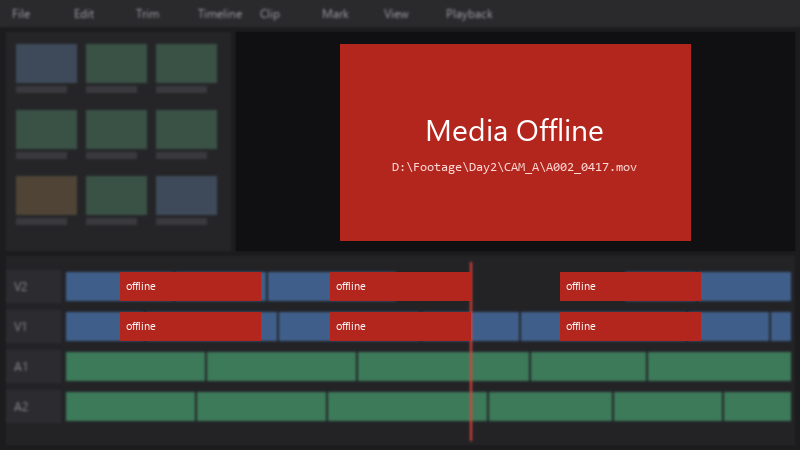
Media Offline
D:\Footage\Day2\CAM_A\A002_0417.mov
every clip are offline 😤 The footage isnt deleted, just moved. I really dont wanna rebuild teh timeline by hand 😭 How do I reconnect everything?
Ive learned my lesson about moving files carelessly xD Right now i just need to get this project working again, then Ill fix my organization. Any help would be hugely appreciated right now.
