tried re-pairing three times and my older xbox one controller still disconnects

Solvedbluetoothcontrollerxbox3 replies 路 272 views 路 started

Accepted solution

by Dario IqbalJump to the reply

Re-pair properly: press teh pair button on the console, then hold the pair button on the controller until the Xbox button flashes fast. Do this after teh firmware update.

  1. This is driving me crazy. My older Xbox One controller drops every few minutes and the console shows:
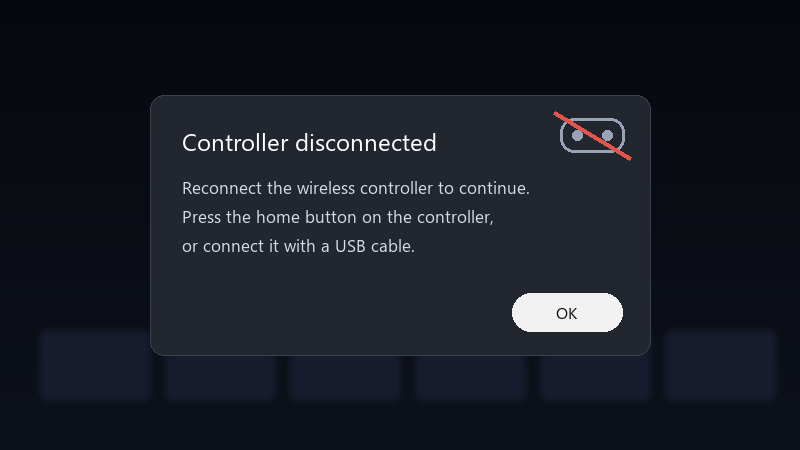
    Controller disconnected

    Controller disconnected
    Reconnect the wireless controller to continue.
    Press the home button on the controller,
    or connect it with a USB cable.
    

    it happens on my Xbox One X in every game. A wired USB connection works perfectly, so it's something wireless. I'd rather not buy a new controller if it's a setting. what should I check?

    Its especially bad in competitive games where a few seconds of disconnect mean losing a round. A cable works, but Id love to be wireless again. what am i doing wrong??

    1
  2. Accepted solution

    Re-pair properly: press teh pair button on the console, then hold the pair button on the controller until the Xbox button flashes fast. Do this after teh firmware update.

    2 6 helpful
  3. lol this thread is gold, which version are you on? seriously need help here 馃槶

    0 2 helpful
  4. @tensorsage-350 yesss it was the batteries. Rechargeables were dying under load. New ones and my older Xbox One controller is stable.

    thumbsup

    0 0 helpful

Reply to this topic

Sign in or create an account to reply.
