First time seeing this one 😅 Setup: a flight sim, 6 GB RTX 2060, frame generation enabled 🙏 After a while:
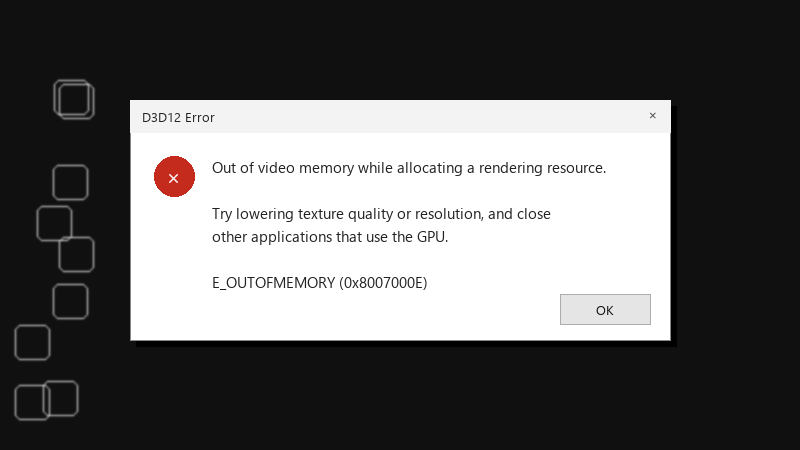
D3D12 Error
Out of video memory while allocating a rendering resource.

Try lowering texture quality or resolution, and close
other applications that use the GPU.

E_OUTOFMEMORY (0x8007000E)
Textures also got blurry and stuttery for a minute before teh crash. Id love to understand whats going on before I just lower everything to medium.
Any advice on reading VRAM usage correctly would be great too. The numbers in different tools dont match, which confuses me.
Id rather not drop eveyrthing to low if theres a smarter way. Im happy to experiment with settings one at a time and report back with what helps. im about to throw this thing out the window lol
