My BIOS showed a warning at startup and told me to back up and replace the disk. In Windows, the health tool shows:
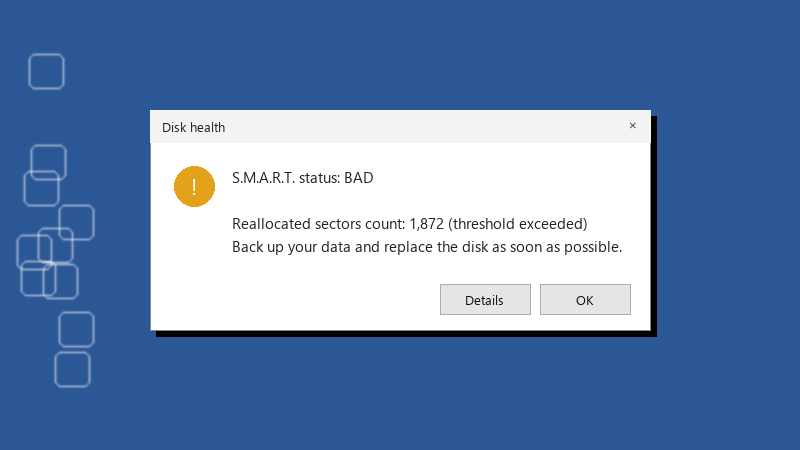
Disk health
S.M.A.R.T. status: BAD

Reallocated sectors count: 1,872 (threshold exceeded)
Back up your data and replace the disk as soon as possible.
That's my 4 TB hard drive. Percentage Used is the highlighted line. i have years of family photos on it and teh only other copy is a cloud folder i haven't checked in ages. What's the safest next step?? i'm going to buy a new drive anyway, but i'd like to know teh safest order of operations. Should i copy files, clone the disk, or run more tests first?