
weird one :/ after enabling disk encryption, my Fedora install pancis on boot:
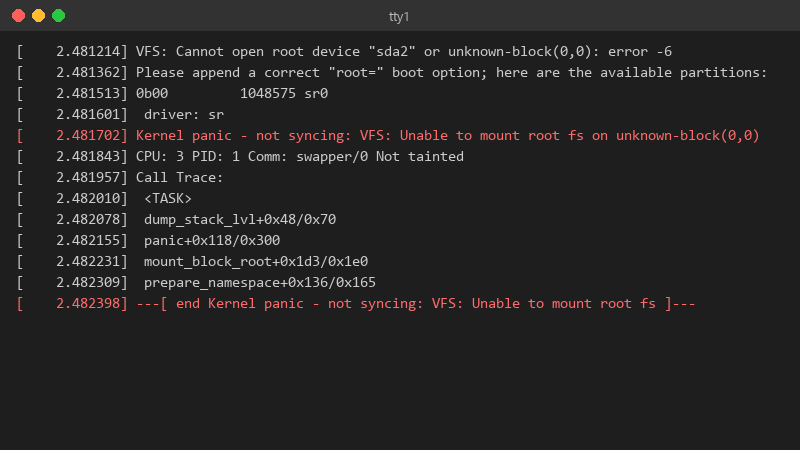
[    2.481214] VFS: Cannot open root device "sda2" or unknown-block(0,0): error -6
[    2.481362] Please append a correct "root=" boot option; here are the available partitions:
[    2.481513] 0b00         1048575 sr0
[    2.481601]  driver: sr
[    2.481702] Kernel panic - not syncing: VFS: Unable to mount root fs on unknown-block(0,0)
[    2.481843] CPU: 3 PID: 1 Comm: swapper/0 Not tainted
[    2.481957] Call Trace:
[    2.482010]  <TASK>
[    2.482078]  dump_stack_lvl+0x48/0x70
[    2.482155]  panic+0x118/0x300
[    2.482231]  mount_block_root+0x1d3/0x1e0
[    2.482309]  prepare_namespace+0x136/0x165
[    2.482398] ---[ end Kernel panic - not syncing: VFS: Unable to mount root fs ]---
but if i pick teh previous kernel under advanced options in GRUB, it boots fine and everything works. so teh disk isnt dead. whats different about teh new kernel entry? id like to fix the new kernel properly instead of picking the old one manually every morning. im guessing something didnt get generated during the update, but i dont know what to check.
