Database Connection Error After Migrating To A New Host... Are My Posts GONE?

databasemysqlwordpress32 replies · 544 views · started
  1. ok weird one just finished migrating to a new host and was feeling great until I opened the site:
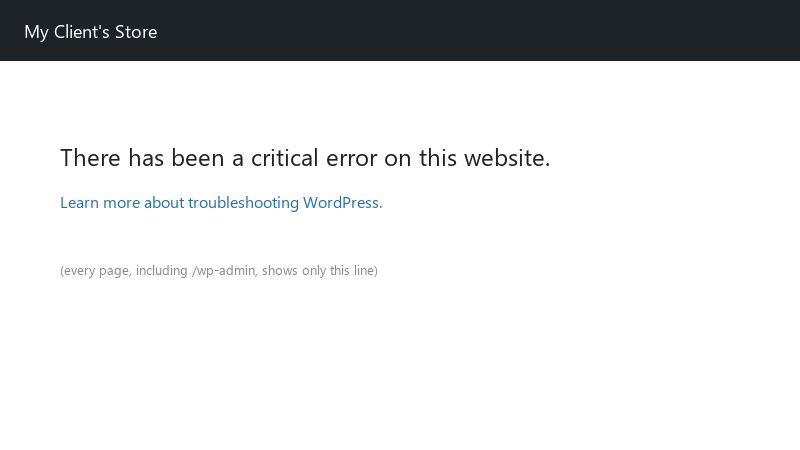
    There has been a critical error on this website.

    There has been a critical error on this website.
    Learn more about troubleshooting WordPress.
    

    i copied the files and imported the database... i updated wp-config.php with what i believe are teh new credentials. Still the same error :D i've triple-checked the password. What else could be wrong between WordPress and the database?? Any checklist for what to verify would be very welcome right now. im about to throw this thing out the window lol

    2
  2. ahh classic this error means WordPress couldnt connect, not that data is gone. Check teh four values in wp-config.php: DB_NAME, DB_USER, DB_PASSWORD, DB_HOST. then test them directly: mysql -u DB_USER -p -h DB_HOST DB_NAME... if that fails, the credentials or grants are wrong, not WordPress.

    3 0 helpful
  3. oh ive been there lol if the database is running but some tables are damaged, add define('WP_ALLOW_REPAIR', true); to wp-config.php and visit /wp-admin/maint/repair.php. remove the line afterwards, because that page doesnt require a login. good luck man!

    1 3 helpful
  4. im literally losing my mind here reading this at 2am instead of sleeping, no regrets what am i doing wrong??

    2 0 helpful
  5. is migrating even worth bothering with or should i just leave it, try turning off the router first, fixed it for me

    1 4 helpful
  6. @uadler what did u end up doing in the end

    10 2 helpful
  7. ok update: did what @cronnomad said and its fine now owe u a beer 🍺

    4 0 helpful
  8. wait what idk man that sounds like bad advice tbh

    0 5 helpful
  9. hmmm if it happens randomly on a small VPS, check whether MySQL or MariaDB is being killed: systemctl status mariadb (or mysql) and dmesg -T | grep -i 'killed process'. Low memory under traffic gets the database killed first. Add swap and lower innodb_buffer_pool_size or move to a bigger plan. good luck man!

    thumbsup

    1 2 helpful
  10. btw unrelated but anyone elses coffee machine also judging them today

    3 0 helpful
  11. this. so much this worked for me anyway 🤷

    7 0 helpful
  12. lol same thing happened to me open phpMyAdmin and look at the tables. If u can see wp_posts with your posts, teh content is safe. also compare the table prefix with $table_prefix in wp-config.php; a mismatch after a restore usually shows the install screen rather than this error, but its worth checking. good luck man!

    1 0 helpful
  13. lol same thing happened to me DB_HOST isnt always localhost. Some hosts use a separate database hostanme shown in their control panel. In Docker its the database servcie name from your Compose file, like db. On some systems 127.0.0.1 works where localhost doesnt, because localhost tries a socekt file instead of TCP.

    0 1 helpful
  14. exact same thing happened to my lpatop last month. dumb question but how do i even check the settings

    0 1 helpful

Reply to this topic

Sign in or create an account to reply.

