ways to stop gpu memory full errors without buying a new card ugh

gpuvideo-editingvram4 replies 路 354 views 路 started
  1. Im new to serious editing and the free version of Resolve just threw this at me:
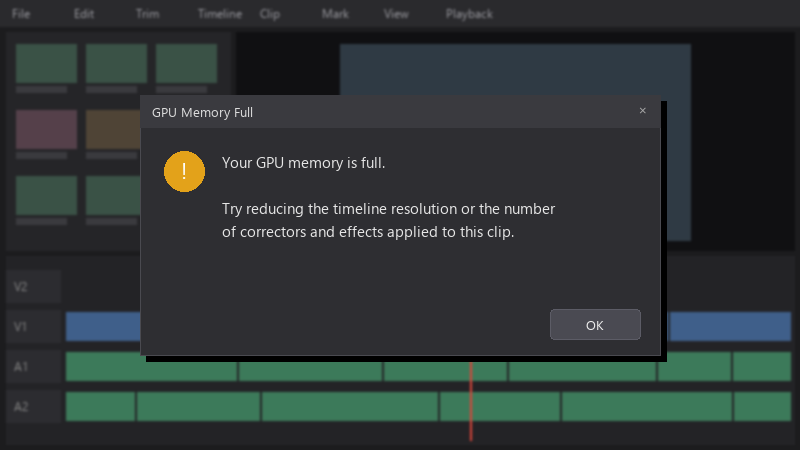
    GPU Memory Full

    GPU Memory Full
    Your GPU memory is full.
    
    Try reducing the timeline resolution or the number
    of correctors and effects applied to this clip.
    

    The timeline is multicam 4K interviews, and I used stabilization a lot. I don't really understand where all the GPU memory goes. Any advice?

    Any tips on settings or workflow changes are welcome. I want to finish this project now and learn how to avoid the error next time.

    2
  2. oof lower the timeline resolution while editing. In Resolve, go to File > Project Settings > Master Settings and set the timeline resolution to 1080p. Output resolution can still be 4K in the Deliver page. This cuts VRAM use dramatically.

    3 2 helpful
  3. ok so honestly just reset the fan curve and save yourself the pain hope that helps :)

    6 0 helpful
  4. oh ive been there lol in Preferences > Memory and GPU, make suree only your dedicated GPU is selected for processing and teh GPU processing mode matches your card (CUDA for NVIDIA, OpenCL for AMD). good luck man!

    2 4 helpful
  5. @bea.sato holy cow render cache on stabilization clips made a huge difference. Playback is smooth and the export finished. seriously made my day 馃槶馃檹

    party

    0 0 helpful

Reply to this topic

Sign in or create an account to reply.

