
tried plugging into a new tv and now i can't even reach the settings

displayhdmixbox8 replies · 406 views · started
  1. not gonna lie this is driving me nuts quick panic post. My Xbox Series X was fine yesterday. Today, after plugging into a new TV, nothing on screen:
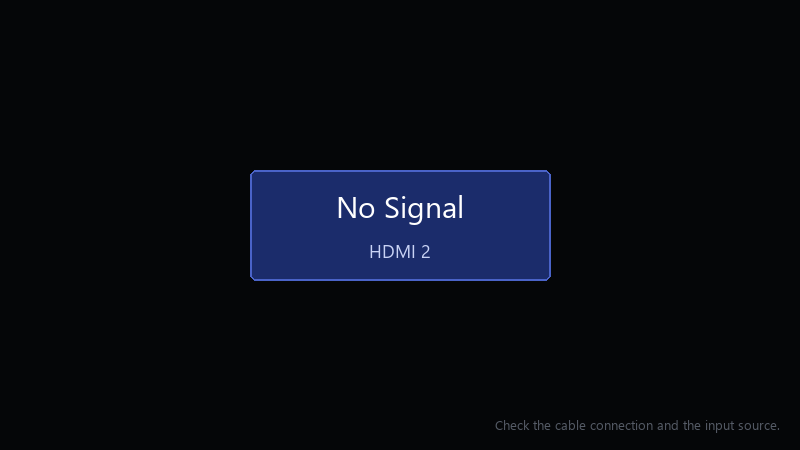
    No Signal

    No Signal
    HDMI 2
    Check the cable connection and the input source.
    

    i've power cycled it twice, i'm using teh cable that came in the box... i have no other screen to test with right now. Ideas??

    I can borrow another cable tomorrow if that's useful, but I'd like to try anything I can do tonight first.

    Im really hoping this is just a settings problem and not something broken 😅 The console was working perfectly a few minutes before i changed that setting.

    1
  2. uhh is anything between teh console and teh display, like a soundbar?

    18 2 helpful
  3. oh ive been there lol after fixing it, use teh 4K TV details screen in the TV & display options. it shows which modes teh console thinks ur display supports.

    12 2 helpful
  4. For 120 Hz and 4K, use the HDMI cable that came with the console or a certified Ultra High Speed cable, and plug into teh TV's HDMI 2.1 port. Many TVs only support high refresh on specific ports.

    nothing is more permanent than a temporary workaround

    thinking

    14 1 helpful
  5. ahh classic on many TVs u need to enable an enhanced HDMI or full-bandwidth mode for that specific input before 4K HDR or 120 Hz works. Its usually under the TVs external input or HDMI signal settings. lmk how it goes

    0 0 helpful
  6. low-res mode is the right first step, but some displays also need to be power-cycled after teh console changes mode. unplug teh TV for a miunte too. but hey ymmv

    2 7 helpful
  7. @sara.stone84 removed teh passthrough and connected straight to the gaming monitor. pictures back xD ill sort out the audio separately. seriously made my day 😭🙏

    11 0 helpful

Reply to this topic

Sign in or create an account to reply.

