MY 1080P TV FROM A FEW YEARS AGO SAYS NO SIGNAL, THE CONSOLE SAYS ITS ON

Solveddisplayhdmixbox9 replies · 133 views · started
Accepted solution by Malik G. — ok so for 120 Hz and 4K, use teh HDMI cable that came with teh console or a certified Ultra High Speed cable, and plug into the TVs HDMI…
  1. So I set up my 1080p TV from a few years ago and started plugging into a new TV. Now:
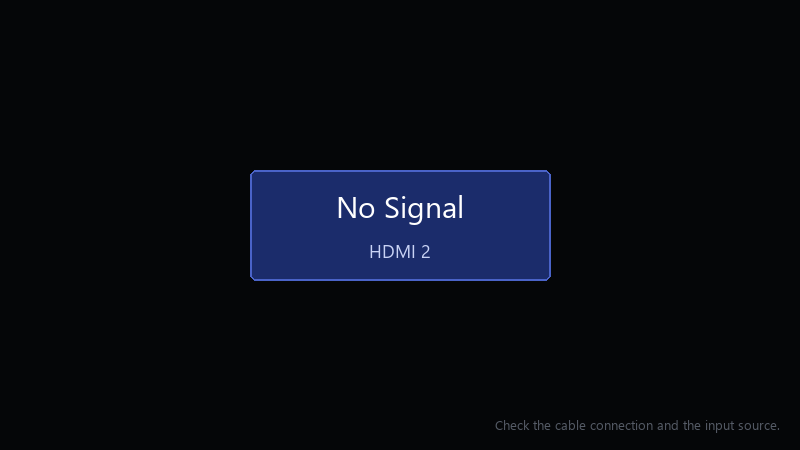
    No Signal

    No Signal
    HDMI 2
    Check the cable connection and the input source.
    

    The console is definitely on. I tried other HDMI ports, same thing. I'm worried I broke something, but it seems more likely it's just sending a signal the display doesn't like. How do I get back to a working picture?

    Ive read that the console can fall back to a safe resolution somehow, but idk how to do it without seeing the screen. Any help is appreciated.

    0
  2. wait is the console plugged into an HDMI 2.1 port on the display?

    DNS. its always DNS

    0 0 helpful
  3. ahh classic boot into low-resolution mode: with teh console fully off, hold the Xbox button and teh Eject button (or the pair button on consoles without a disc drive) until you hear a second beep about 10 seconds later. It starts at a low resolution so you can fix the video settings.

    thinking

    0 0 helpful
  4. hmmm came here to say exactly this

    11 1 helpful
  5. once the picture is back, go to Settings > General > TV & display optinos and set the resolution and refresh rate step by step. change one thing at a time and confirm each.

    1 0 helpful
  6. ok update: did what @mgrant said and its fine now

    0 5 helpful
  7. Accepted solution

    ok so for 120 Hz and 4K, use teh HDMI cable that came with teh console or a certified Ultra High Speed cable, and plug into the TVs HDMI 2.1 port... many TVs only support high refresh on specific ports.

    day one patch is bigger than the actual game, classic

    0 9 helpful
  8. @mgrant the Xbox plus Eject trick worked. got teh picture back, turned off plugging into a new TV, and its stable, thank you! thank u thank u thank u

    0 0 helpful

Reply to this topic

Sign in or create an account to reply.

