NO HDMI PICTURE FROM MY SWITCH 2. THINGS I'VE TRIED SO FAR

dockhdmiswitch7 replies · 226 views · started
  1. I put my Switch 2 in teh travel dock, the screen on the console turns off like it's supposed to, and then my new 4K TV shows this:
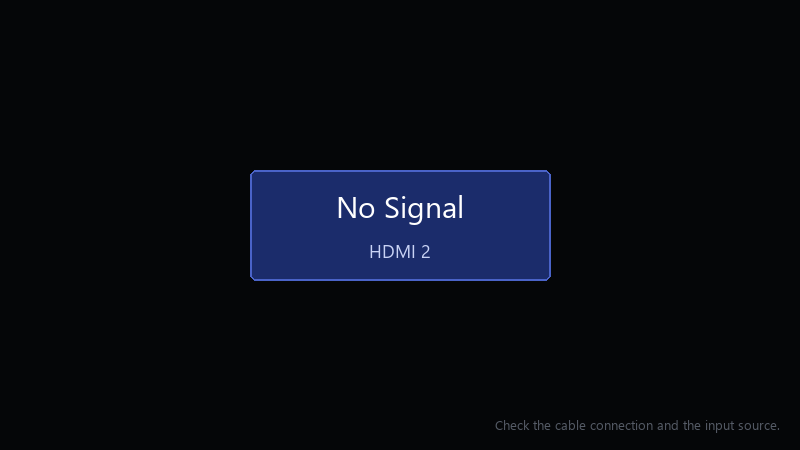
    No Signal

    No Signal
    HDMI 2
    Check the cable connection and the input source.
    

    the console works perfectly in handheld mode. ive tried another HDMI port. im using the cables that were already connected. my kids are waiting to play on teh big screen, and Im completely stuck.

    Id rather not buy a new dock if its something simple. If theres a reset or a specific order to plug things in, pls let me know.


    1
  2. ok but which dock is it, official or third-party?? ??

    17 3 helpful
  3. reset the dock: unplug teh power and HDMI cables from teh dock and wait about 30 seconds... then plug them back in in this order: power adapter into teh dock, then HDMI to the TV, and only then put the console in.

    14 5 helpful
  4. use teh original power adapter that came with the cosnole. phone chargers and many USB-C chargers can charge the console but dont provide enough power for teh docks video output.

    0 0 helpful
  5. uhh dumb question but how do i even check the cable

    RAM prices doing their own thing again smh

    5 0 helpful
  6. ok so check System Settings > TV Output. set teh TV resolution to Automatic or 720p as a test, and try swithcing Match TV Power State off. some TVs struggle with teh HDMI-CEC handshake.

    10 0 helpful
  7. any update on this?... ok this thread just saved my weekend

    2 0 helpful

Reply to this topic

Sign in or create an account to reply.
