"MICROSD CARD CAN'T BE READ" ON MY ROG ALLY !!

Solvedsd-cardsteam-deckstorage4 replies · 254 views · started
Accepted solution by Chen Becker — ahh classic on a Steam Deck, the format option in Settings System Format SD Card erases everything and sets it up correctly. Use it only…
  1. hmmmm ok this happened after an update on my ROG Ally:
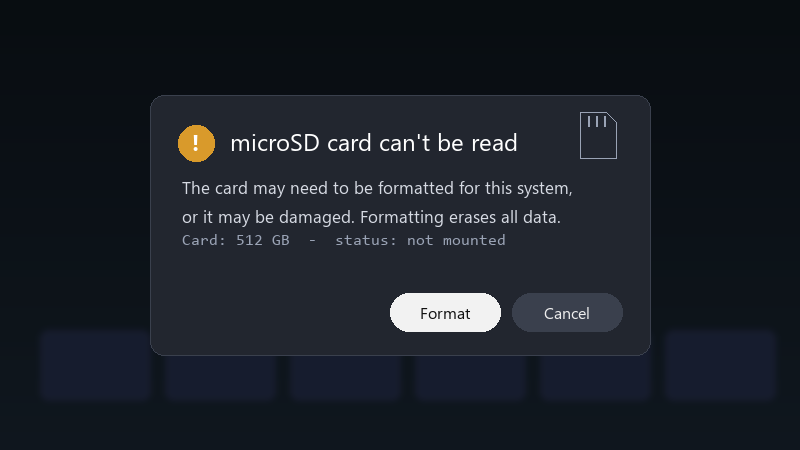
    microSD card can't be read

    microSD card can't be read
    The card may need to be formatted for this system,
    or it may be damaged. Formatting erases all data.
    Card: 512 GB  -  status: not mounted
    

    the card is a 512 GB card... i tried rebooting and reseating it. nothing. i can't even tell if the card is dead or just has a brkoen file system... what should i try first?

    im comfortable following steps in a terminal if someone epxlains them, im just not sure where to start, and I dont wanna make things worse.

    id also love to know how to avoid this in the future 🤦 is it the card, teh device, or just bad luck?? im about to throw this thing out the window lol


    13
  2. ok so reboot with the card inserted xD If it still doesn't mount, try the card in another device. If no device sees it, teh card might be failing. good luck man!

    4 0 helpful
  3. same issue here on my second monitor setup. following this thread fingers crossed 🤞

    6 2 helpful
  4. Accepted solution

    ahh classic on a Steam Deck, the format option in Settings > System > Format SD Card erases everything and sets it up correctly. Use it only after you've tried recovery. worked for me anyway 🤷

    10 4 helpful

Reply to this topic

Sign in or create an account to reply.
