
My Xbox One Turns On But My New 4K TV Shows Nothing 馃

displayhdmixbox7 replies 路 268 views 路 started
  1. Quick panic post. My Xbox One was fine yesterday. Today, after enabling HDR, nothing on screen:
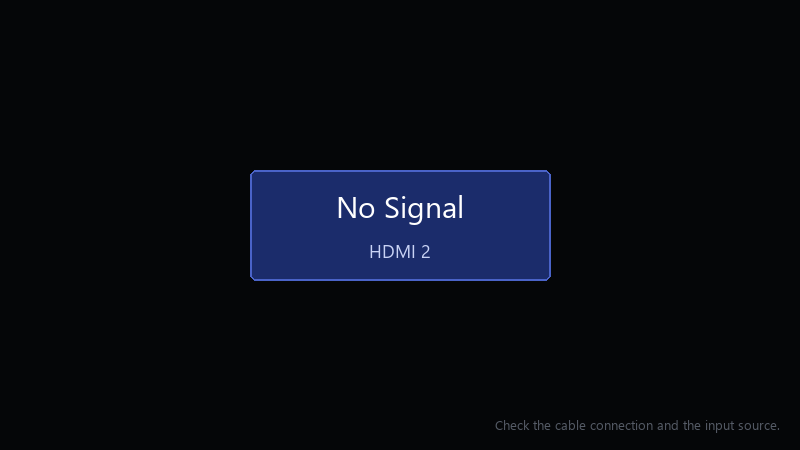
    No Signal

    No Signal
    HDMI 2
    Check the cable connection and the input source.
    

    I've power cycled it twice. I'm using the cable that came in the box. I have no other screen to test with right now. ideas?

    I can borrow another cable tomorrow if that's useful, but I'd like to try anything I can do tonight first.

    I'm really hoping this is just a settings problem and not something broken 馃憤 the console was working perfectly a few minutes before I changed that setting.

    0
  2. Boot into low-resolution mode: with the console fully off, hold the Xbox button and teh Eject button (or teh pair button on consoles withuot a disc drive) until u hear a second beep about 10 seconds later. It starts at a low resolution so u can fix teh video settings. worked for me anyway 馃し

    0 0 helpful
  3. ok so once the picture is back, go to Settings > General > TV & display options and set the resolution and refresh rate step by step. change one thing at a time and confirm each.

    0 0 helpful
  4. yesss ok update: did what @jonasg118 said and its fine now. +1 same here thank u thank u thank u

    6 0 helpful
  5. oh ive been there lol for 120 Hz and 4K, use the HDMI cable that came with the console or a certified Ultra High Speed cable, and plug into teh TVs HDMI 2.1 port... many TVs only support high rerfesh on specific ports. worked for me anyway 馃し

    2 2 helpful
  6. @malikp843 the Xbox plus Eject trick worked. got the picture back, turned off enabling HDR, and it's stable. thank you!

    1 0 helpful

Reply to this topic

Sign in or create an account to reply.