Tried Enabling HDR And Now I Can't Even Reach The Settings

Solveddisplayhdmixbox14 replies · 416 views · started
Accepted solution by Ava — hmmm if u use a soundbar or capture card in between, connect the console straight to teh display as a test. passthrough deivces often dont…
  1. help!! quick panic post. my Xbox One X was fine yesterday, today, after enabling HDR, nothing on screen:
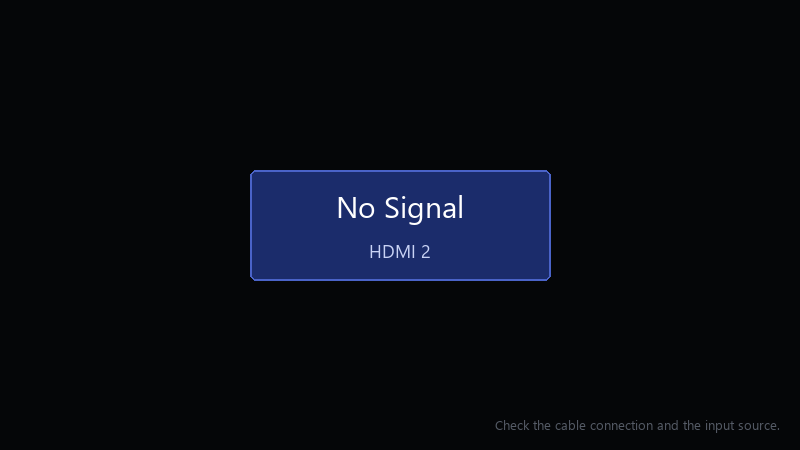
    No Signal

    No Signal
    HDMI 2
    Check the cable connection and the input source.
    

    I've power cycled it twice. I'm using the cable that came in teh box. I have no other screen to test with right now... ideas?

    i can borrow another cable tomorrow if thats useufl, but Id like to try anything i can do tonight first.

    im relaly hoping this is just a settings problem and not something broken. the console was working perfeclty a few minutes before i changed that setting. seriously need help here 😭


    0
  2. Is the console plugged into an HDMI 2.1 port on the display?

    thinking

    13 3 helpful
  3. exact same thing happened to my office machine last month worked for me anyway 🤷

    2 0 helpful
  4. ahh classic bump. still hpapening with monitor for me, my laptop is officially haunted

    2 1 helpful
  5. @cachemonk thank u this worked!!. i swear monitor is cursed u guys are the best!!!

    party

    1 0 helpful
  6. been there man this.. 🤷 so much this... have u checked your xbox settings? mine were reset after an update worked for me anyway 🤷

    4 2 helpful
  7. Once teh picture is back, go to Settings > General > TV & display options and set the resolution and refresh rate step by step lol Change one thing at a time and confirm each.

    2 2 helpful
  8. hmmm after fixing it, use the 4K TV details screen in the TV & display options. it shows which modes the console thinks your display supports.

    0 0 helpful
  9. ahh classic boot into low-resolution mode: with teh console fully off, hold teh Xbox button and the Eject button (or the pair button on consoles without a disc drive) until you hear a second beep about 10 seconds later. It starts at a low resolution sooo you can fix teh video settings. fingers crossed 🤞

    6 1 helpful
  10. lol same thing happened to me for 120 Hz and 4K, use teh HDMI cable that came with the console or a certified Ultra High Speed cable, and plug into the TVs HDMI 2.1 port 😅 Many TVs only support high refresh on specific ports.

    1 2 helpful
  11. Accepted solution

    hmmm if u use a soundbar or capture card in between, connect the console straight to teh display as a test. passthrough deivces often dont support every mode teh console can output.

    0 3 helpful
  12. hmmmm not sure about that low-res mode is the right first step, but some displays also need to be power-cycled after the console changes mode 😅 Unplug the TV for a minute too. but hey ymmv

    0 2 helpful
  13. @ayilmaz omggg it was teh TV port. Moved to the HDMI 2.1 port and enabled enhanced mode on the TV 👍 Now enabling HDR works. seriously made my day 😭🙏

    14 0 helpful

Reply to this topic

Sign in or create an account to reply.

