How do you troubleshoot online multiplayer on a Switch Lite?

networkonlineswitch11 replies 路 379 views 路 started
  1. help!! my Switch Lite used to connect to online multiplayer fine. Now:
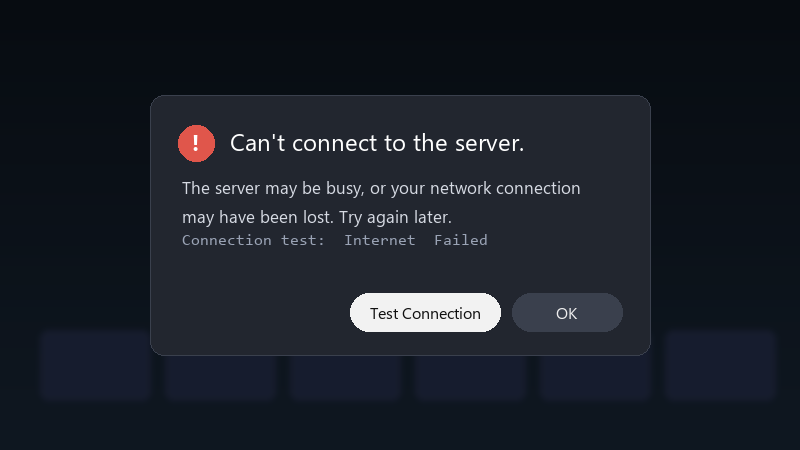
    Can't connect to the server.

    Can't connect to the server.
    The server may be busy, or your network connection
    may have been lost. Try again later.
    Connection test:  Internet  Failed
    

    nothing chnaged on my side as far as I know, except maybe a router update, im on a mesh network... where do ppl usually start?

    Im happy to try settings changes and report back 馃敟 i just wanna be able to play online again without restarting everything every time.

    game night is in two days, and i realy dont wanna be the one who cant join.. lol any ideas are welcome, even basic ones.

    1
  2. Run System Settings > Internet > Test Connection and check the NAT type. NAT type A or B is usually fine for most games. C, D or F can cause exactly this. good luck man!

    1 2 helpful
  3. on hotspots and shared networks, connection problems are common 馃槫 if you can, test on a home network to check that teh console itself is fine.

    0 0 helpful
  4. @ibanerjee_45 what did u end up doing in the end. +1 same here ?

    0 0 helpful
  5. oof check the official network status page for maintennace or outages.. lol if a service is down, teh console shows a generic error that looks like a local problem. good luck man!

    6 5 helpful
  6. yeahhh in the connection settings for ur network, u can try changing the MTU value to 1500 in Change Settings > MTU. It fixes some connection issues with certain routers.

    4 0 helpful
  7. sometimes the issue is just the Wi-Fi band. on some routers, switching between 2.4 and 5 GHz fixes it instantly. but hey ymmv

    facepalm

    1 1 helpful
  8. exact same thing happened to my second monitor setup last month

    2 3 helpful
  9. ok so i swear switch is cursed im about to throw this thing out the window lol

    2 1 helpful

Reply to this topic

Sign in or create an account to reply.


