is my dock from a friend dead, or is it the cable??

Solveddockhdmiswitch8 replies · 327 views · started
Accepted solution by Rowan Bauer — check System Settings TV Output . set the TV resolution to Automatic or 720p as a test, and try switching Match TV Power State off. some…
  1. so annoyed rn my second-hand Switch used to work fine docked. Now on my new 4K TV:
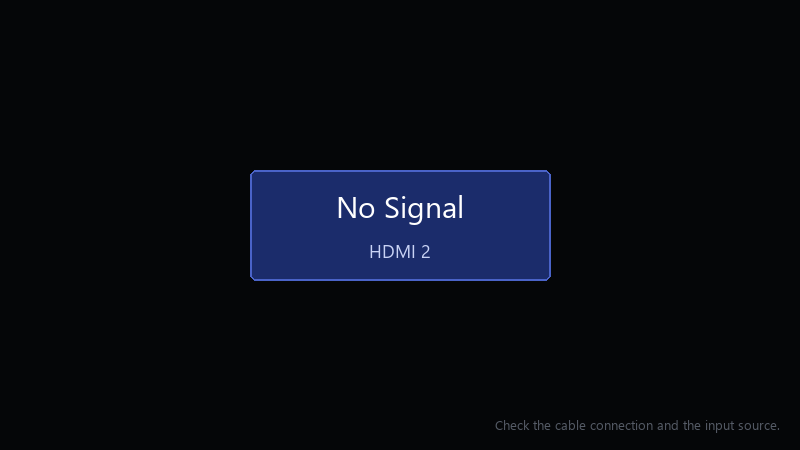
    No Signal

    No Signal
    HDMI 2
    Check the cable connection and the input source.
    

    The dock light turns on, teh console charges, but no pictrue. Im using the dock from a friend lol Ive unplugged everything once and plugged it back in. Is there a reset for the dock, or did something break??

    Anything i can test without buying stuff would be great. i have a spare HDMI cable smoewhere, i think, and maybe another TV in teh house. im about to throw this thing out the window lol


    0
  2. oh ive been there lol third-party docks and some unofficial USB-C hubs are hit or miss. If ure using one, test with an official dock befroe assuming the console is broken. worked for me anyway 🤷

    5 2 helpful
  3. ok so try another HDMI cable and another TV or monitor if you can. that quickly tells u whether teh dock, the cable or teh display is the problem.

    0 1 helpful
  4. Accepted solution

    check System Settings > TV Output. set the TV resolution to Automatic or 720p as a test, and try switching Match TV Power State off. some TVs struggle with the HDMI-CEC handshake. good luck man!

    1 15 helpful
  5. id be careful with cheap third-party docks long term. some are fine, but a bad one can put the console at risk.

    day one patch is bigger than the actual game, classic

    1 0 helpful
  6. dumb question but how do i even check the antivirus. same issue here on my moms pc. following this thread ?

    0 0 helpful

Reply to this topic

Sign in or create an account to reply.
