why does my legion go drain half the battery in a day while asleep? 馃

batterysleepwindows-handheld7 replies 路 213 views 路 started
  1. so annoyed rn i put my Legion Go to sleep by letting it time out, and when I picked it up later it showed this:
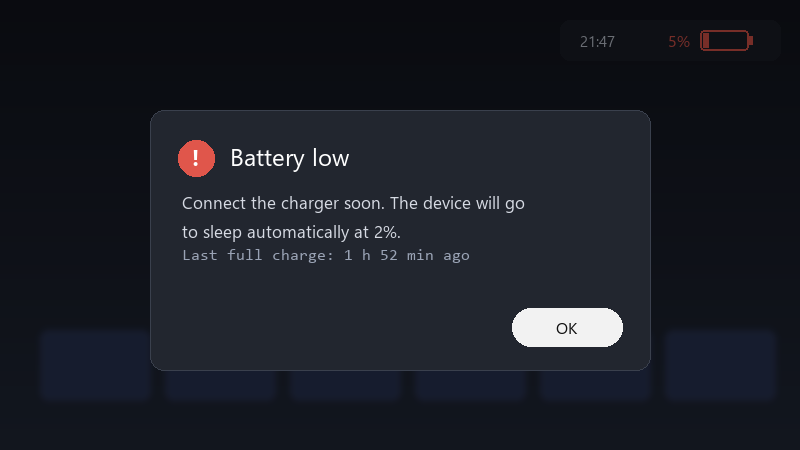
    Battery low

    Battery low
    Connect the charger soon. The device will go
    to sleep automatically at 2%.
    Last full charge: 1 h 52 min ago
    

    it lost half teh battery in a day... that makes it hard to rely on as a grab-and-go device. is this normal for handhelds, or is something keeping it awake??

    I bought a handheld specifically to be able to pick it up and play for ten minutes. right now I cant trust it to have any battery left when I need it. any ideas??

    reading release notes like its a horror novel

    4
  2. On Windows handhelds, run powercfg /sleepstudy in an admin terminal. It creates a reoprt showing what kept the device awake during sleep sessions.

    1 1 helpful
  3. lol same thing happened to me update the BIOS and the manufacturers companion app. many sleep and power issues have been addressed in updates for handhelds. hope that helps :)

    4 3 helpful
  4. In Device Manager, open teh network adapter's properties and turn off Allow this device to wake the computer on the Power Management tab. Network activity is a common cause of drain.

    2 11 helpful
  5. hmmmm not sure about that sometimes teh best solution is just to shut it down. boot times are fast enough these days. just my 2 cents

    21 2 helpful
  6. @cyrus_cron holy cow disabled network wake and updated the BIOS. My Legion Go now loses only a few percent overnight... thx! seriously made my day 馃槶馃檹

    0 0 helpful

Reply to this topic

Sign in or create an account to reply.

why does my legion go drain half the battery in a day while asleep? 馃 路 Patchhall
