
"NO SIGNAL" SINCE TURNING ON VRR. HOW DO I GET THE PICTURE BACK??

displayhdmixbox103 replies · 1.7K views · started
  1. ugh. i was messing with teh video settnigs on my Xbox One after turning on VRR, and now my 1080p TV from a few years ago just shows this:
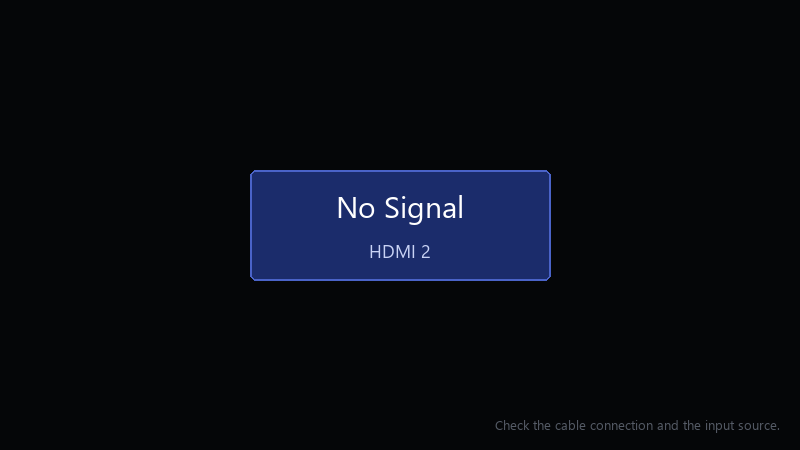
    No Signal

    No Signal
    HDMI 2
    Check the cable connection and the input source.
    

    the console turns on, I hear the startup sound, the controller connects, but the screen stays black. I cant change teh setting back because I cant see anything... please tell me theres a way out of this that doesnt involve another TV.

    Im really hoping this is just a settings problem and not smth broken. The console was working perfectly a few minutes before I changed that setting.

    reading release notes like its a horror novel

    rage

    0
  2. is anything between the console and the display, like a soundbar?

    thinking

    6 5 helpful
  3. idk man that sounds like bad advice tbh. exact same thing happened to my desktop last month

    0 6 helpful
  4. oof following, having the same problem

    0 0 helpful
  5. hmmmm ok my old thinkpad is officially haunted

    2 0 helpful
  6. oof exact same thing happened to my brand new build last month hope that helps :)

    3 0 helpful
  7. oof once the picture is back, go to Settings > General > TV & display options and set the resolution and refresh rate step by step. cahnge one thing at a time and confirm each. hope that helps :)

    33 0 helpful
  8. yesss ok update: did what @sara_proxy said and its fine now

    1 1 helpful
  9. have u checked ur years settings? mine were reset after an update worked for me anyway 🤷

    2 2 helpful
  10. oh ive been there lol +1 same here. @kira_shader did u ever fix it?

    RAM prices doing their own thing again smh

    0 0 helpful
  11. hmmm after fixing it, use the 4K TV details screen in the TV & display options. it shows which modes the console thikns your display supports.

    5 1 helpful
  12. been there man for me it was teh DNS... swapped it and boom, fixed worked for me anyway 🤷

    1 2 helpful
  13. lol this thread is gold... wait does this also apply to 1080p? thx in advance!!

    2 1 helpful
  14. which version are u on?... this, sooo much this

    6 1 helpful

Reply to this topic

Sign in or create an account to reply.



