is my 512 gb card dead, or can i fix this without formatting?

sd-cardsteam-deckstorage4 replies 路 312 views 路 started
  1. my Steam Deck stopped seeing my 512 GB card after moving it to another device... it shows this:
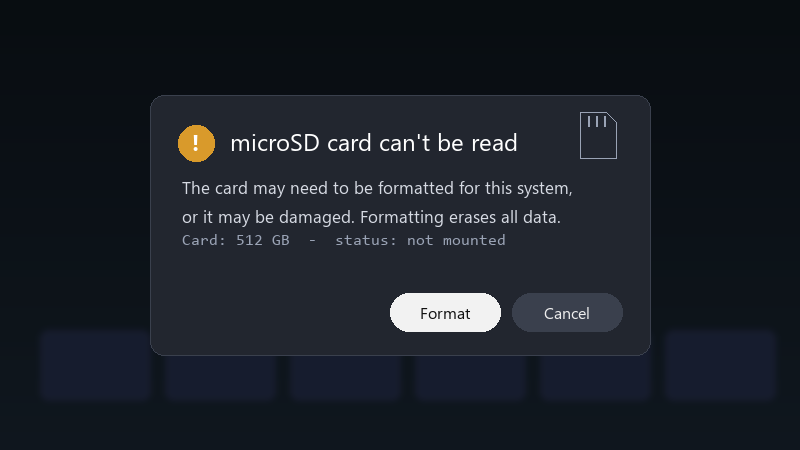
    microSD card can't be read

    microSD card can't be read
    The card may need to be formatted for this system,
    or it may be damaged. Formatting erases all data.
    Card: 512 GB  -  status: not mounted
    

    all my games are on that card. i really dont want to format it and download everything again. is there any way to check or fix the card without erasing it?

    Ive read that formatting is teh usual answer, but Id really like to save whats on teh card if I can ;) Redownloading everything would take forever on my connection.


    5
  2. on Windows handhelds like teh ROG Ally or Legion Go, check Disk Management to see if teh card shows up lmao u can also run chkdsk X: /f on it, with X being teh cards drive letter.

    0 0 helpful
  3. been there man cheap high-capacity cards are often counterfeit 馃槄 test them on a PC with H2testw or F3 before trusting them with ur library.

    0 3 helpful
  4. @amara.grant WOWWW ran a file system check and the card mounts again. All games are back. Thank you!

    rgb adds +10 fps everyone knows that

    2 0 helpful

Reply to this topic

Sign in or create an account to reply.