
The WordPress critical Error That Took Down My Clients Site At 2am

Solveddebuggingphppluginswordpress6 replies · 59 views · started
Accepted solution by Bo Brandt — ahh classic if u have WP CLI over SSH, its quicker: wp plugin list shows whats active and versions, wp plugin deactivate <slug kills one,…
  1. help!! this is a good thread. Imagine your phone buzzing in the middle of the night because a clients store is showing this to every visitor:
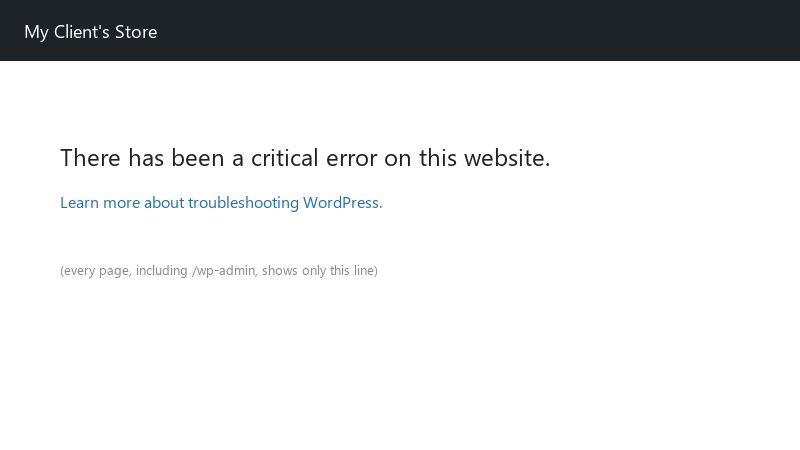
    There has been a critical error on this website.

    There has been a critical error on this website.
    Learn more about troubleshooting WordPress.
    

    thats the etnire page. front end and /wp-admin both. i had auto-upadtes on for plugins, so something udpated overnight, but i have no idea what. the recovery mode email apparently went to an old admin address nobody reads.

    How do i get the site back up fast and find the culprit?

    2
  2. Short vesrion: check the PHP error log in ur hosting panel too. Very often teh cause is a plugin update requiring a newer PHP version than the server runs, or a memory limit being hit. If teh log shows "Allowed memory size exhausted", raise WP_MEMORY_LIMIT or teh PHP memory_limit in the hosting panel. good luck man!

    thinking

    1 3 helpful
  3. ok so turn on lgoging so you can see the real fatal error... in wp-config.php, above the "stop ediitng" line:

    define( 'WP_DEBUG', true );
    define( 'WP_DEBUG_LOG', true );
    define( 'WP_DEBUG_DISPLAY', false );
    

    Reload teh site, then open wp-content/debug.log. the fatal error will name teh file path, which tells you which plugin or theme is responsible... turn debugging back off when youre done. good luck man!

    found this, helped a lot 🙏

    ▶ FIXED There has been a critical error on this website - Critical error on your website quick fix

    11 0 helpful
  4. Accepted solution

    ahh classic if u have WP-CLI over SSH, its quicker: wp plugin list shows whats active and versions, wp plugin deactivate <slug> kills one, and wp plugin deactivate --all is teh nuclear option. afterwards, update teh admin email in Settings > General so teh recovery mode link reaches someone next time.

    2 4 helpful
  5. @bo_early-1tg switched teh site to a newer PHP version in the hosting panel after testing on staging. Critical error gone, forms plugin works. Also fixed teh admin email :D Lesson learned. u guys are the best!!!

    3 2 helpful
  6. ok so fastest way to get the site back: over FTP/file manager, rename wp-content/plugins to plugins-off. that deactivates every plugin. if the site comes back, rename teh folder back and then rename individual plugin folders one by one until it breaks again 😭 same trick works for the active theme folder (WordPress falls back to a default theme if its installed).

    6 1 helpful

Reply to this topic

Sign in or create an account to reply.

