nginx says 502, my app says it's fine. who's lying? !!

Solved502debuggingnginxreverse-proxy6 replies · 31 views · started
Accepted solution by Tess B. — A few observations. My classic: app listening on 127.0.0.1:3000 in one place, proxy pass http://localhost:3000 in nginx, and localhost…
  1. Let's swap war stories. Here's teh screen that haunted me for a weekend:
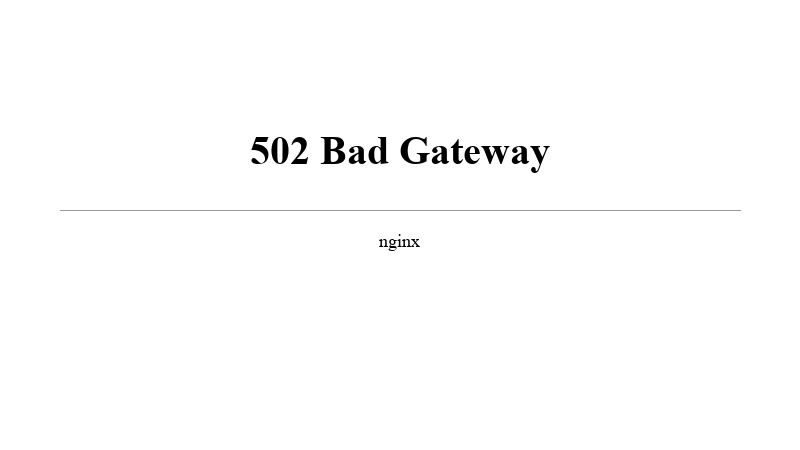
    502 Bad Gateway

    502 Bad Gateway
    nginx
    

    app logs looked healthy, heatlh check passed locally, restarting fixed it for about twenty minutes and then teh 502s came back lol turned out to be something embarrassingly small. what's the weirdest root cause you've found behind one of these?

    6
  2. Accepted solution

    A few observations. My classic: app listening on 127.0.0.1:3000 in one place, proxy_pass http://localhost:3000 in nginx, and localhost resolving to ::1 first. app only bound IPv4, so connection refused. use the explicit IP in proxy_pass or bind the app to both. good luck man!

    2 0 helpful
  3. ahh classic first stop is always the nginx error log, not teh access log:

    sudo tail -f /var/log/nginx/error.log
    

    the message tells u which kinda 502 it is: connect() failed (111: Connection refused) means nothing is listening on the upstream address; upstream prematurely closed connection means the app crahsed or dropped the request; no live upstreams means all backends were marked failed.

    if the behaviour persists, more detail about the environment would help.

    1 2 helpful
  4. oh ive been there lol in Docker, proxy_pass http://127.0.0.1:3000 inside teh nginx container points at teh nginx container itself, not your app. use teh service name on a shared network (proxy_pass http://app:3000). also, nginx resolves upstream hostnames at startup; if teh app container gets recreated with a new IP, nginx keeps the old one until reload unlses you use a resolver and a variable in proxy_pass.

    2 4 helpful
  5. been there man hey, "Works for twenty minutes then 502s" smells like teh app process getting killed: check dmesg | grep -i oom and journalctl -u yourapp. Also check header size: big cookies or JWTs can blow past proxy_buffer_size and show up as upstream sent too big header, which is a 502 too. fingers crossed 🤞

    6 2 helpful
  6. update: i finally found the culprit!! @tbauer u were spot on. it was exactly that IPv6 vs IPv4 mess. my app was only listening on 127.0.0.1 but nginx was trying to hit ::1 cuz of how localhost resolves on my box. swapped localhost for the explicit IP in the proxy_pass and it's been rock solid for an hour now. honestly so embarrassed i spent all night banging my head against the wall for something so simple lol. thanks for the save!!

    4 0 helpful

Reply to this topic

Sign in or create an account to reply.