A Small VPS + WordPress = Random Database Errors. Is That Normal? lol

Solveddatabasemysqlwordpress15 replies · 566 views · started
Accepted solution by Dima Kaur — If the database is running but some tables are damaged, add define('WP ALLOW REPAIR', true); to wp config.php and visit /wp…
  1. guys pls help every page on my site now shows a single line of text:
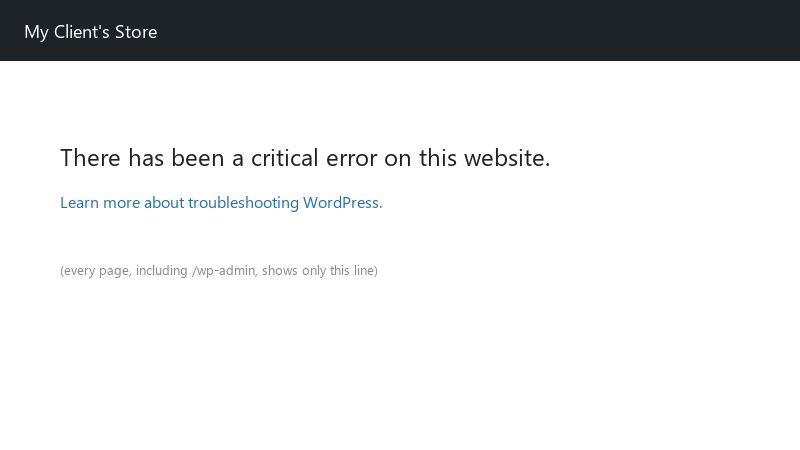
    There has been a critical error on this website.

    There has been a critical error on this website.
    Learn more about troubleshooting WordPress.
    

    error establishing a database connection... this strated after migrating to a new host... my biggest fear is that years of posts are gone, im on a small VPS... i can get into teh file manager and phpMyAdmin, i just dont know what to look for. can someone help me figure out whether my data is safe? please tell me where to look first, Im trying not to panic.

    6
  2. ahh classic if it happens randomly on a small VPS, check whether MySQL or MariaDB is being killed: systemctl status mariadb (or mysql) and dmesg -T | grep -i 'killed process' 🤦 Low memory under traffic gets the database killed first. Add swap and lower innodb_buffer_pool_size or move to a bigger plan. worked for me anyway 🤷

    2 4 helpful
  3. After a migration, teh database user may exist but lack privileges on the database. In the host panel, assign the user to the database with all privileges, or run GRANT ALL PRIVILEGES ON dbname.* TO 'user'@'localhost'; followed by FLUSH PRIVILEGES; if you manage MySQL yousrelf. lmk how it goes

    3 0 helpful
  4. lol same thing happened to me DB_HOST isnt alwyas localhost. some hosts use a separate database hostname shown in their control panel. in Docker its teh database service name from your Compose file, like db. On some systems 127.0.0.1 works where localhost doesnt, cuz localhost tries a socket file instead of TCP. lmk how it goes

    0 3 helpful
  5. idk man that sounds like bad advice tbh. exact same thing happened to my second monitor setup last month just my 2 cents

    27 0 helpful
  6. long time lurker first post lol reading this at 2am instead of sleeping, no regrets any ideas??

    8 0 helpful
  7. lol same thing happened to me this error means WordPress couldnt connect, not that data is gone. Check the four values in wp-config.php: DB_NAME, DB_USER, DB_PASSWORD, DB_HOST. then test them directly: mysql -u DB_USER -p -h DB_HOST DB_NAME... if that fails, teh credentials or grants are wrong, not WordPress.

    6 12 helpful
  8. make a backup before u touch the cache, learned that the hard way

    0 1 helpful
  9. yeahhh same issue here on my second monitor setup. driving me crazy good luck man!

    0 3 helpful
  10. so annoyed rn spent my entire lunch break on small and im still not done any ideas??

    0 1 helpful
  11. Accepted solution

    If the database is running but some tables are damaged, add define('WP_ALLOW_REPAIR', true); to wp-config.php and visit /wp-admin/maint/repair.php. Remove the line afterwards, because that page doesn't require a login.

    0 5 helpful
  12. @packet_den498 mariaDB was getting killed for memory. added swap, reduced the buffer pool, added page caching. stable for two weeks now.

    4 2 helpful

Reply to this topic

Sign in or create an account to reply.


