
not gonna lie this is driving me nuts local build works, CI build fails. Classic. The CI log ends with:
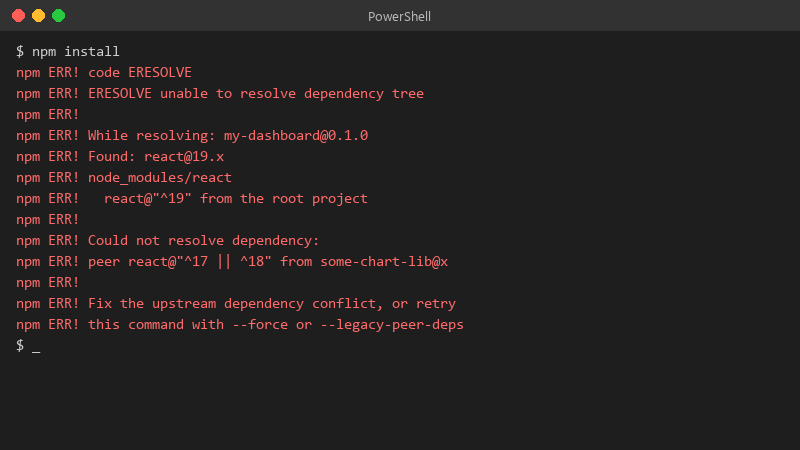
$ npm install
npm ERR! code ERESOLVE
npm ERR! ERESOLVE unable to resolve dependency tree
npm ERR!
npm ERR! While resolving: my-dashboard@0.1.0
npm ERR! Found: react@19.x
npm ERR! node_modules/react
npm ERR!   react@"^19" from the root project
npm ERR!
npm ERR! Could not resolve dependency:
npm ERR! peer react@"^17 || ^18" from some-chart-lib@x
npm ERR!
npm ERR! Fix the upstream dependency conflict, or retry
npm ERR! this command with --force or --legacy-peer-deps
node-gyp rebuild failed. Its a webpack project with a fairly standard setup. I susepct a version difference between my machine and teh CI runner, but idk which version matters: Node, npm, or one of the packages. How do u track down this kind of mismatch? Any guidance on making local and CI builds behvae teh same would be great.

