three firewalls deep on a new container host and port 8080 is still closed

firewallnetworkingvps3 replies · 318 views · started
  1. im literally losing my mind here ive been at this for hours :D a new container host, app running, logs say its listening on port 8080, but every outside request gets refused.
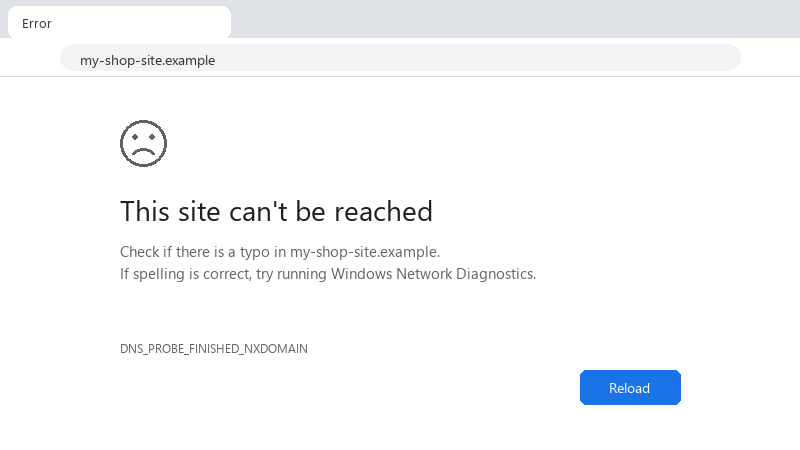
    This site can't be reached

    This site can't be reached
    Check if there is a typo in my-shop-site.example.
    If spelling is correct, try running Windows Network Diagnostics.
    DNS_PROBE_FINISHED_NXDOMAIN
    

    theres the OS firewall, teh providers network firewall, and my router (or whatever is in between), and Im not suree which one I forgot. id love a step-by-step way to check each layer without guessing... detailed steps welcome, I realy want to understand each layer this time. thx in advance!!

    cry

    2
  2. With Docker, look at the port mapping in docker ps. 127.0.0.1:UDP 27016->UDP 27016/tcp means it's only published on localhost. use -p UDP 27016:UDP 27016 or "UDP 27016:UDP 27016" in Compose. Also note Docker's own firewall rules can bypass ufw, which surprises people in the other direction.

    1 1 helpful
  3. hmm idk i wouldn't expose app ports direclty at all. Keep the app on localhost and put a reverse proxy on 80/443 in front. The 'bug' is actually a sensible default. but hey ymmv

    1 1 helpful
  4. @arjun.alvarez holy cow changed the bind address to 0.0.0.0 and it connected immediately. then i put a reverse proxy in front aynway like suggested. thanks!

    6 0 helpful

Reply to this topic

Sign in or create an account to reply.