is mysql crashing or is wordpress lying to me on a small vps?

Solveddatabasemysqlwordpress8 replies · 271 views · started
Accepted solution by Malik O. — DB HOST isn't always localhost. Some hosts use a separate database hostname shown in their control panel. In Docker it's the database…
  1. not gonna lie this is driving me nuts my site on a small VPS keeps randomly falling over with this:
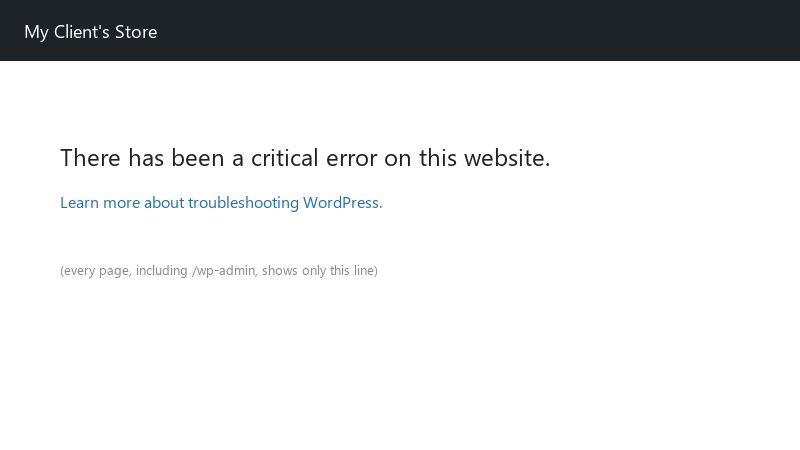
    There has been a critical error on this website.

    There has been a critical error on this website.
    Learn more about troubleshooting WordPress.
    

    A restart of the server or waiting a while fixes it, then it comes back a few days later. It got noticeably worse after the host's maintenance window. I'd like to understand whether the database server is dying or WordPress can't reach it for some other reason 😂 I'd love to understand the cause instead of just rebooting forever.

    12
  2. wait can you log into teh database with teh same credentials using phpMyAdmin or the mysql command? ??

    2 1 helpful
  3. ok so if it ever says Error establishing a database connection, that means WordPress couldnt connect, not that data is gone (the critical error screen itself is a PHP fatal, wp-content/debug.log names the cause for that one). Check the four values in wp-config.php: DB_NAME, DB_USER, DB_PASSWORD, DB_HOST. Then test them directly: mysql -u DB_USER -p -h DB_HOST DB_NAME... if that fails, the credentials or grants are wrong, not WordPress. worked for me anyway 🤷

    thumbsup

    2 5 helpful
  4. ok so if it happens randomly on a small VPS, check whether MySQL or MariaDB is being killed: systemctl status mariadb (or mysql) and dmesg -T | grep -i 'killed process' 😤 low memory under traffic gets teh database killed first. add swap and lower innodb_buffer_pool_size or move to a bigger plan. good luck man!

    1 2 helpful
  5. told my boss it would take 10 minutes lol its been since tuesday. bump 😅 still happening with maintenance for me any ideas??

    0 1 helpful
  6. Accepted solution

    DB_HOST isn't always localhost. Some hosts use a separate database hostname shown in their control panel. In Docker it's the database service name from your Compose file, like db. On some systems 127.0.0.1 works where localhost doesn't, because localhost tries a socket file instead of TCP.

    0 6 helpful
  7. adding swap is a patch 🤦 if the database gets killed under normal traffic, the server is simply too small. i'd upgrade instead of tuning a 1 GB box forever.

    0 1 helpful
  8. @malik_rusty the database user wasn't assigned to teh new database after the host's maintenance window. assigned it, done. site's live again. owe u a beer 🍺

    2 1 helpful

Reply to this topic

Sign in or create an account to reply.
